*CRM failed login timeout timer is 15 minutes, please be patient if it says "Account is Locked"*
The majority of login faults with CRM is related to the 90-day password reset policy that CRM has by default.
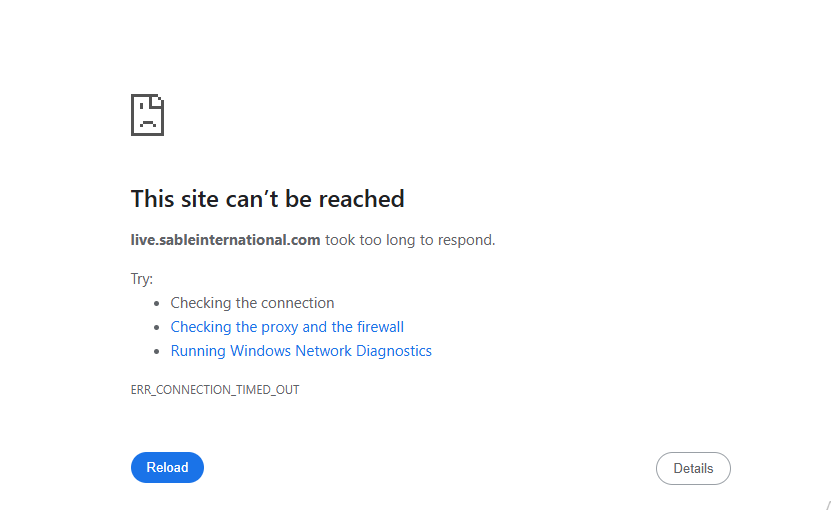
Occasionally (internet changes) the CRM site fails to load and presents a 404 error.
This is how to clear the browser cache:
Problems when trying to load crmlive.sableinternational or live.sableinternational.com
Chrome
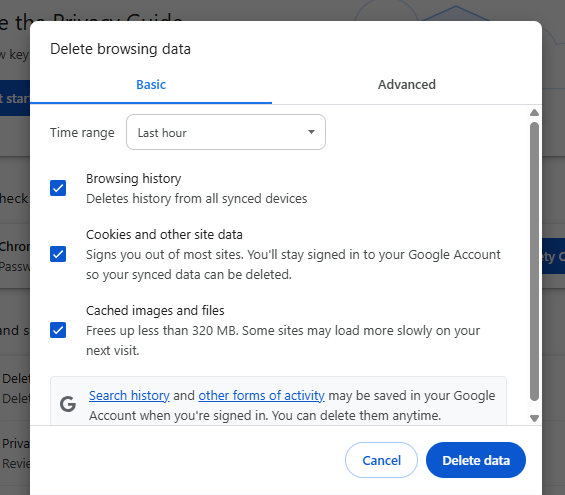
- On the Search bar, copy+paste: chrome://settings/clearBrowserData
- Delete the last hour of browsing data
-
Try loading CRM.
- If that fails, delete the past 24 hours of browsing data.
Edge
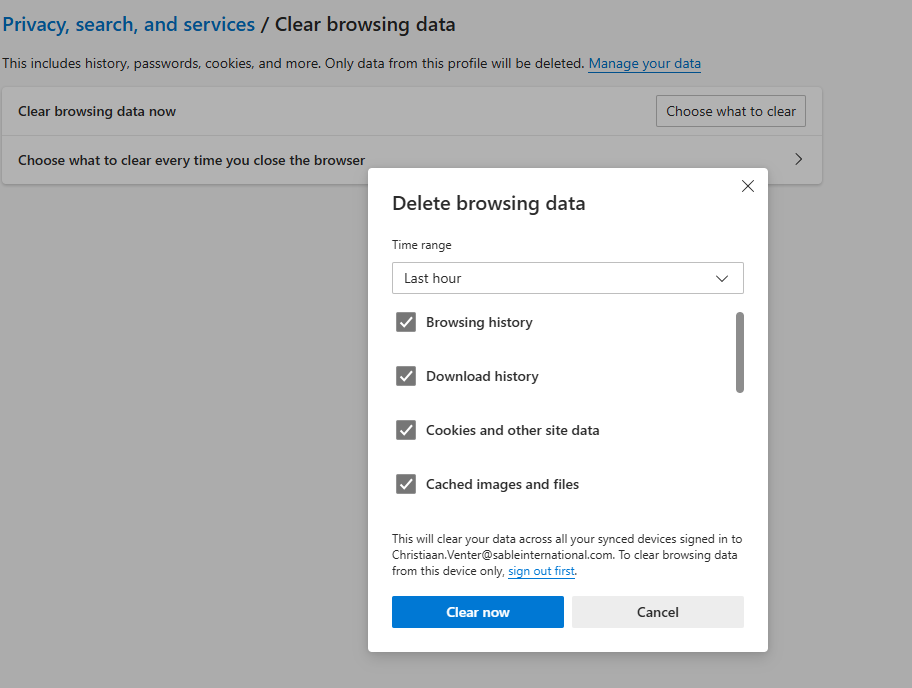
- In the URL or Search bar, copy+paste: edge://settings/clearBrowserData/clear
- Select "Choose what to clear", and delete last hour of data.
-
Try loading CRM.
- If that fails, delete the past 24 hours of browsing data.
Was this article helpful?
That’s Great!
Thank you for your feedback
Sorry! We couldn't be helpful
Thank you for your feedback
Feedback sent
We appreciate your effort and will try to fix the article