At sable International, we make use of 8x8 For Work to handle all our client incoming and outgoing calls.
your number is assigned per country (RSA, UK, AUS) and should be able to dial internationally as long as you have the country code (+27, +44, +61, et al).
To use your account, you will have been provided a number and email.
TABLE OF CONTENTS
Start
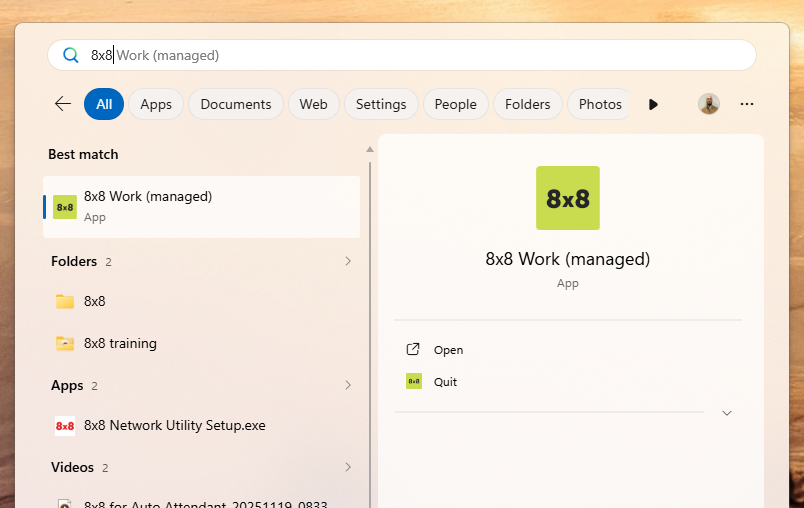
- Search in Start or Desktop for the 8x8 app
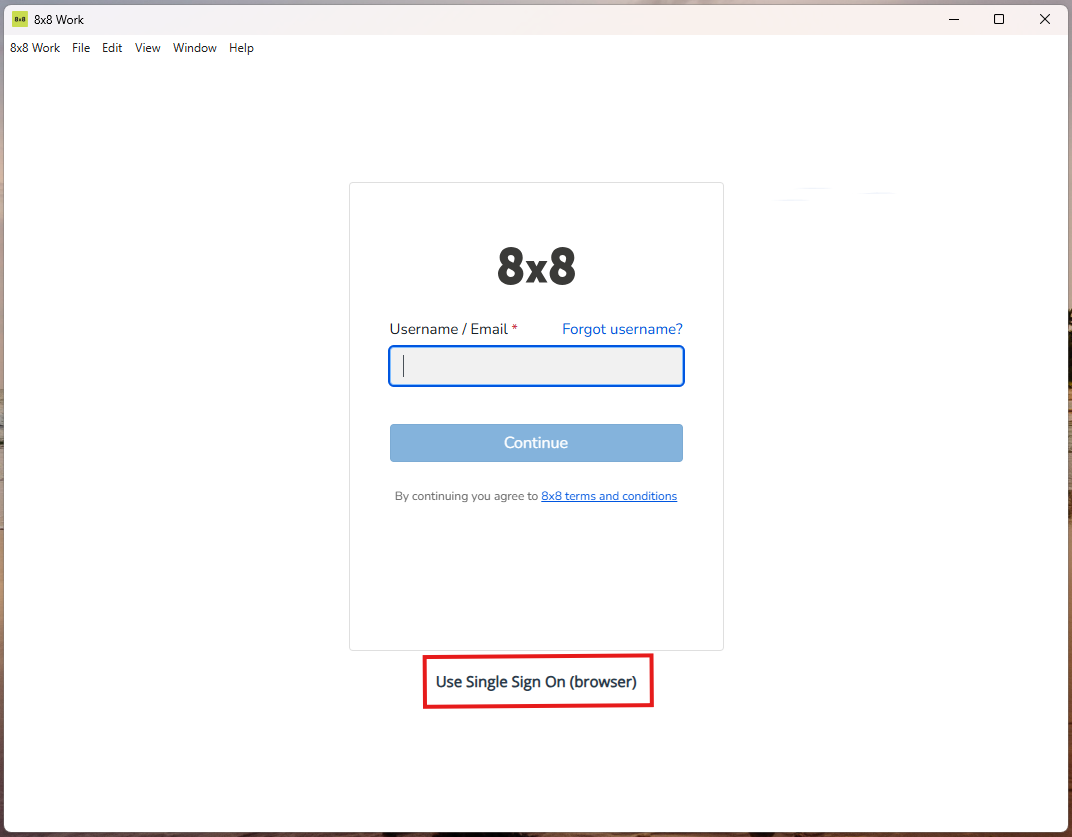
- Inside the login window, click the Use SSO (Single Sign On), or enter your email
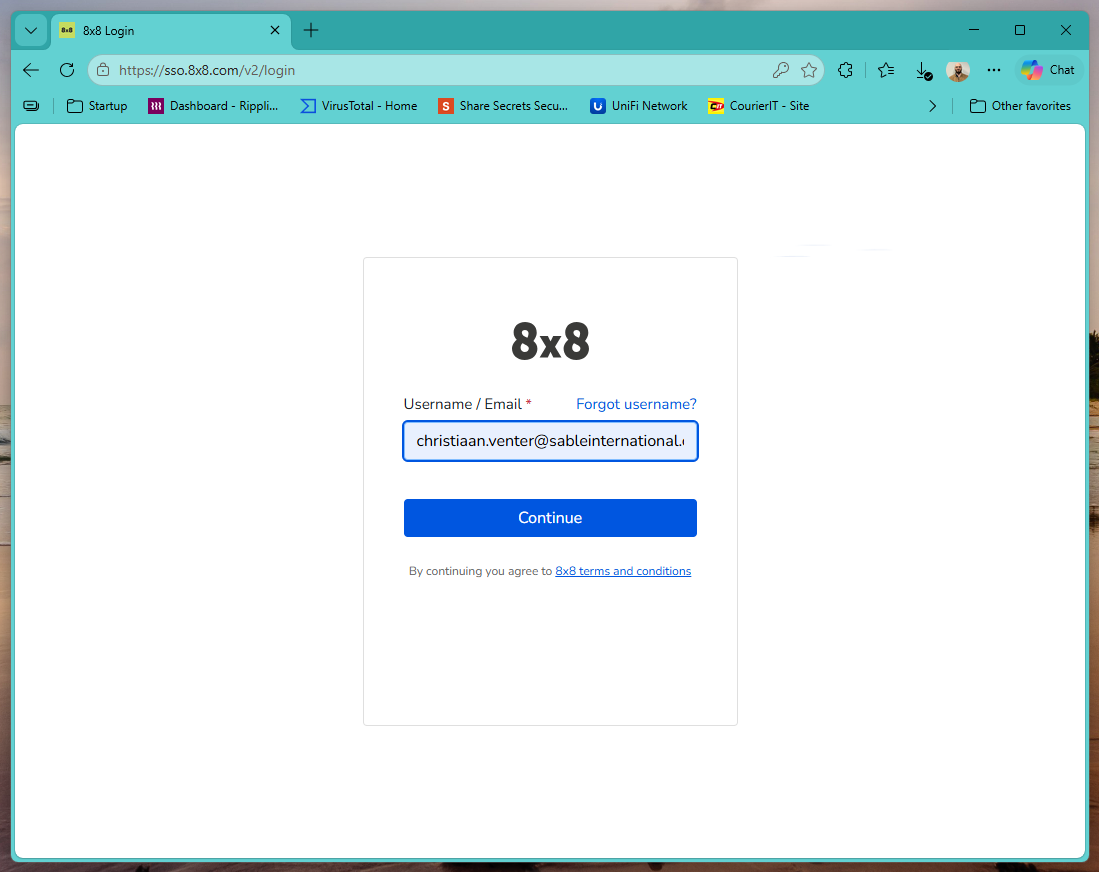
- Using SSO: Your Default browser will launch to the same 8x8 login window.
Enter your Sable email.
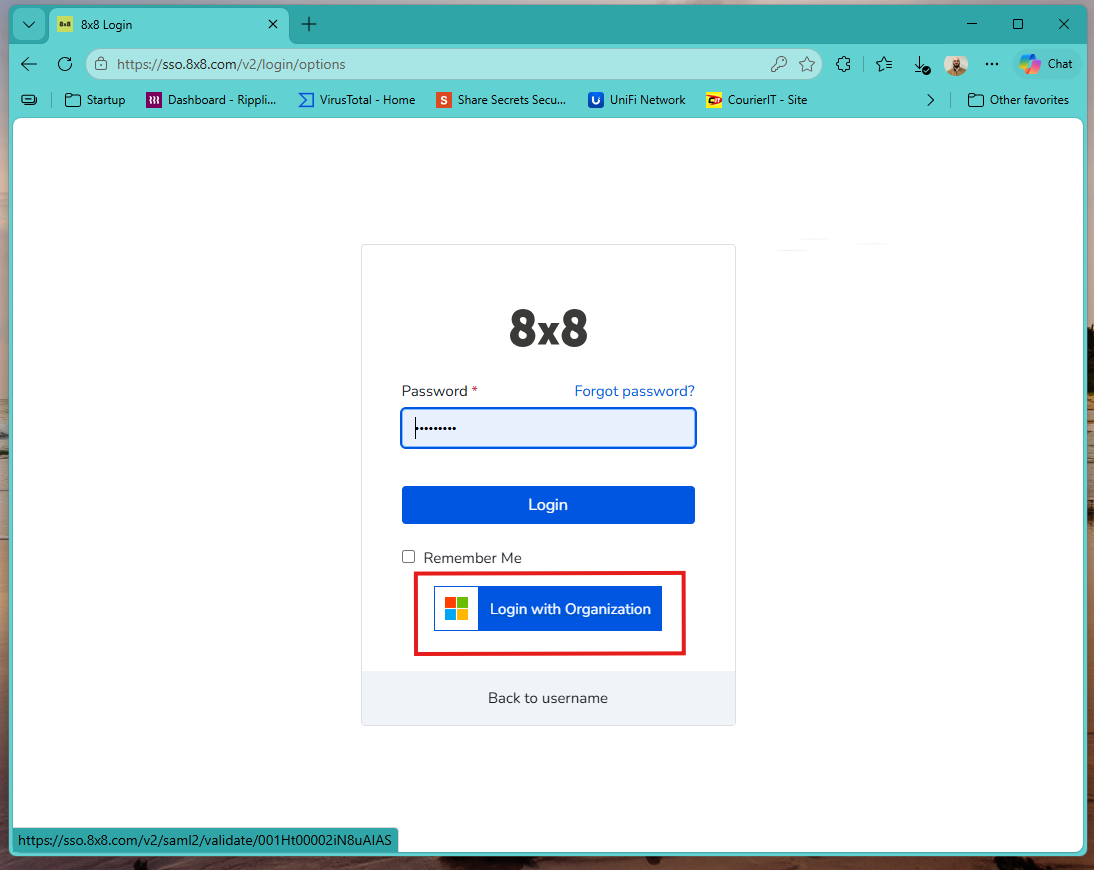
- check the "remember me" checkbox
You can either enter your password, or click "Login with Organization"- Password: prompts for MFA from your Microsoft Authenticator
- Login with Organization: signs in using your Windows smartcard (no MFA if already signed in)
- This screen means you have managed to sign in.
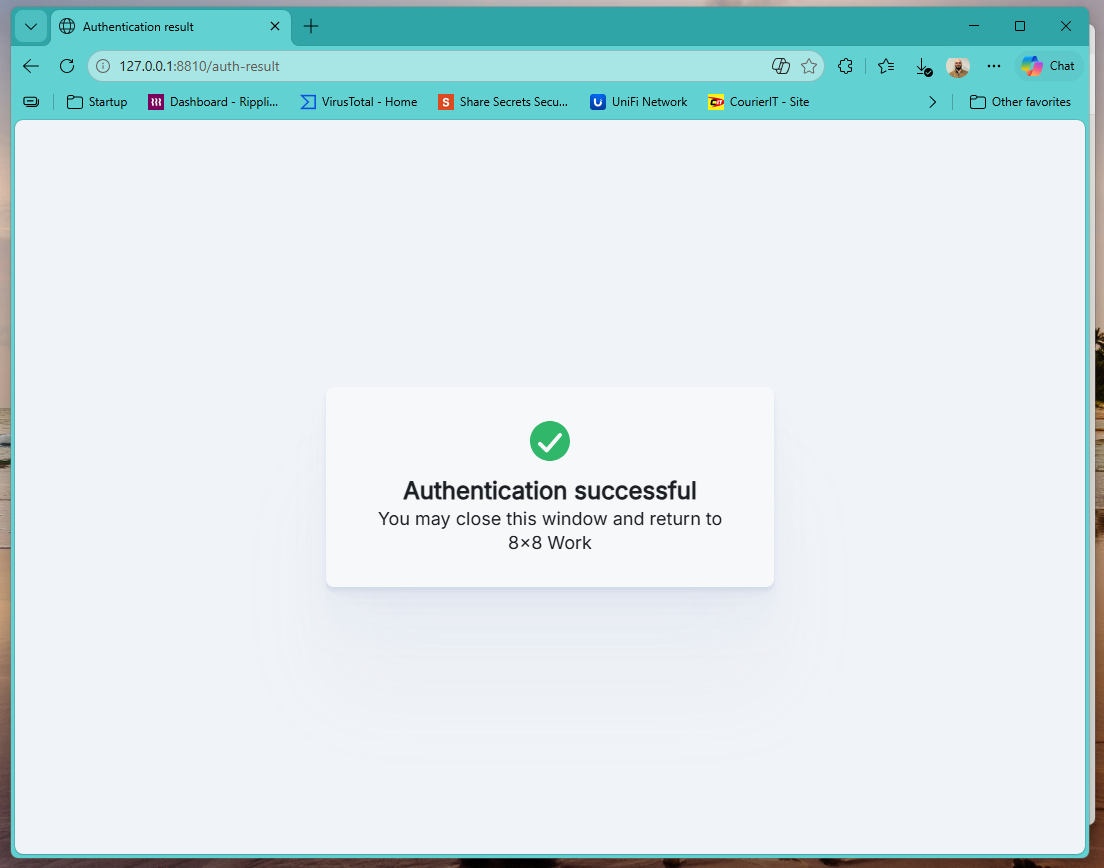
- Return to the 8x8 for Work app
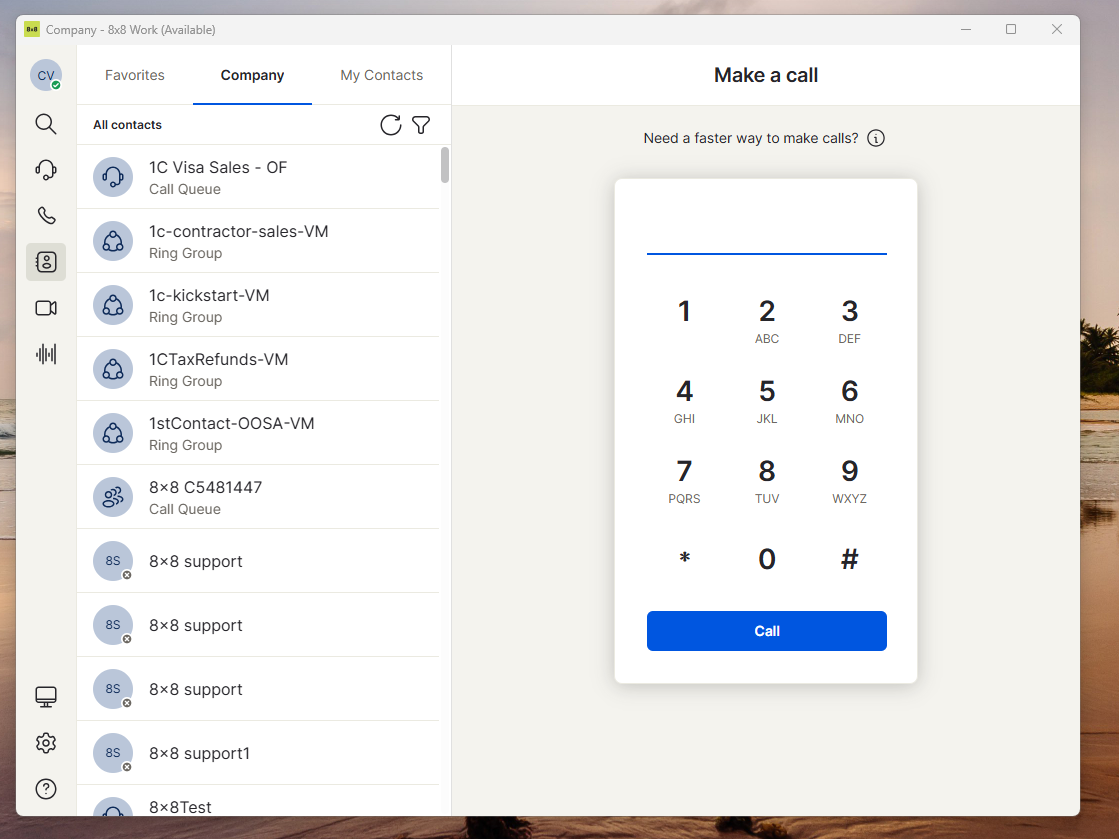
The main screen should look similar to this.
Training
Nicole Meyers handles phone testing and training.
If you are in a bussiness unit that handles queue calls, this training will start after week 8 (or earlier depending on your manager)
Voicemail
To check voicemails: dial 555
Default action on new 8x8 accounts should only send the voicemail as an attachment to your Outlook.
Recordings
Some departments have recording auto-enabled.
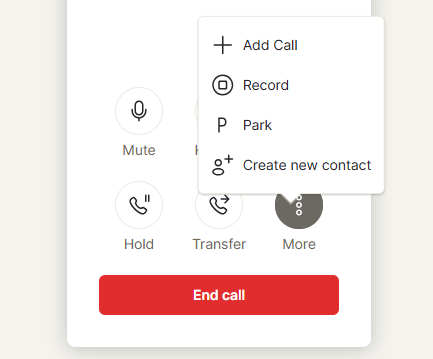
You can at any time start recording an ongoing call
Was this article helpful?
That’s Great!
Thank you for your feedback
Sorry! We couldn't be helpful
Thank you for your feedback
Feedback sent
We appreciate your effort and will try to fix the article