Sable International uses the FortiClient VPN primarily to connect to the RDS machines.
TABLE OF CONTENTS
Requirements:
Access
Access to use the VPN client requires the AD profile to be part of the VPN group.
The end user will need a working Sable email and password
Device
The end user will need Admin rights to install if the VPN has not been installed.
(They can be added to the correct Intune group for this function)
Sable FortiClient VPN config:
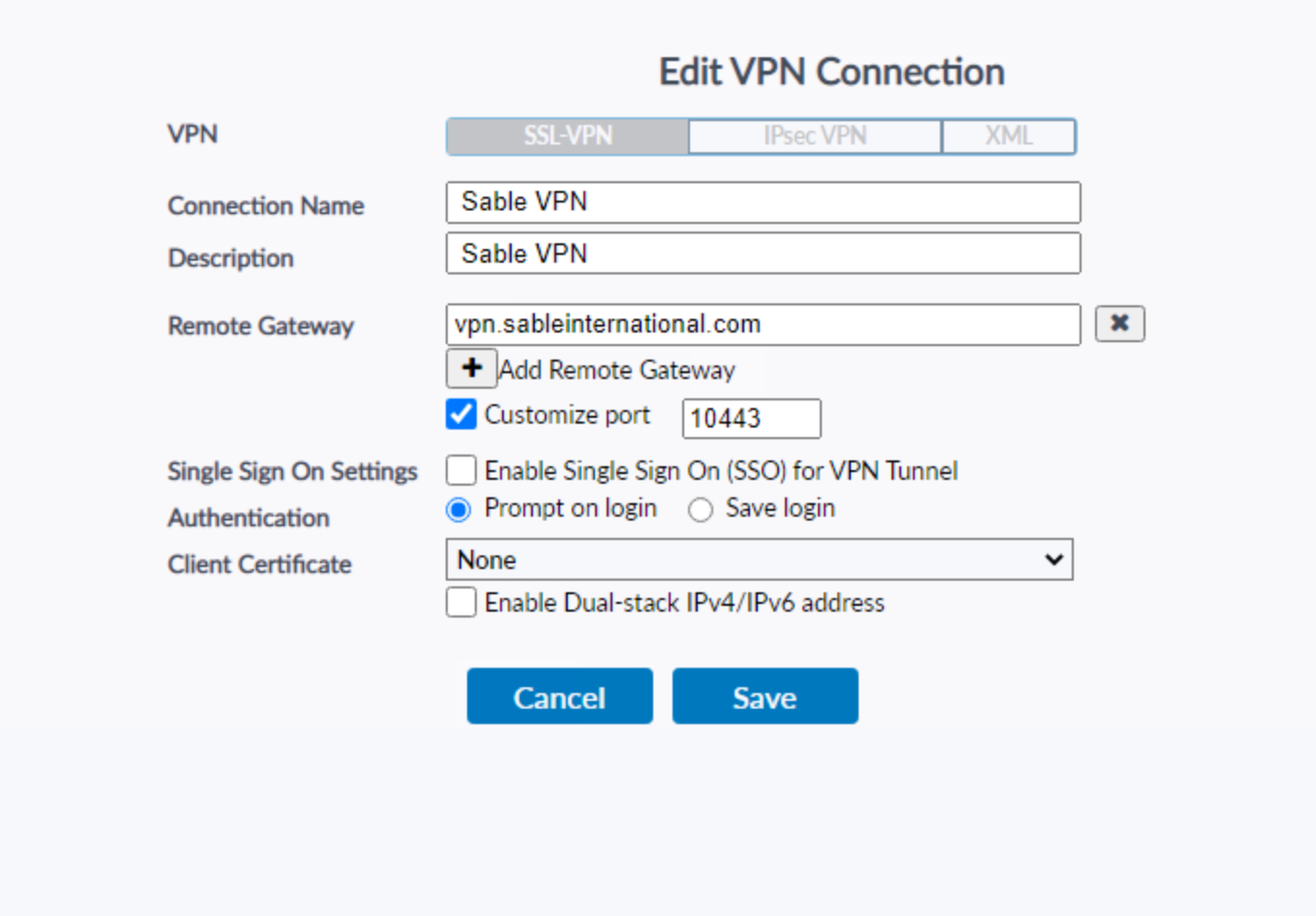
Enter your Sable email + password
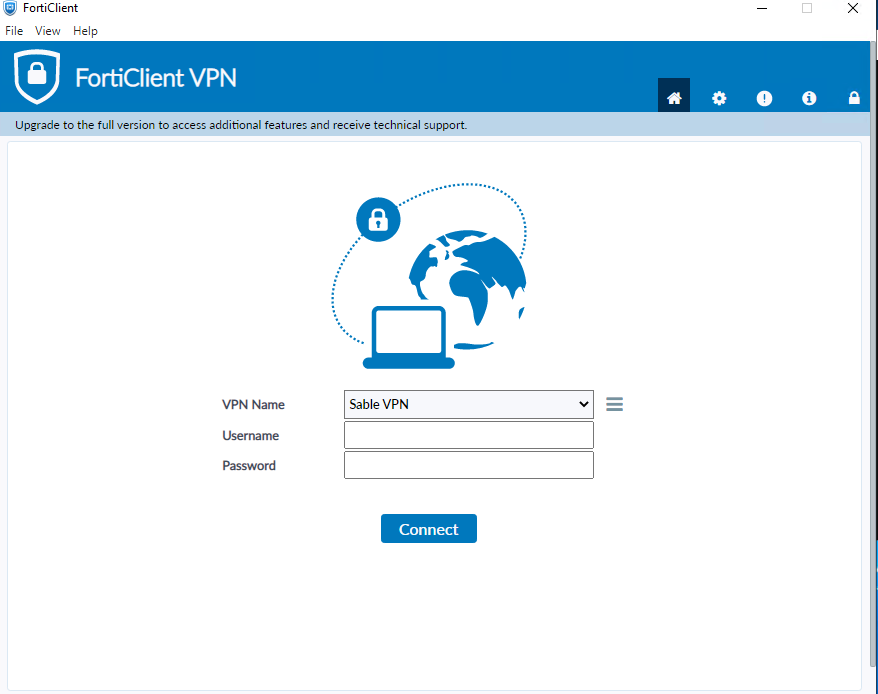
Install steps
Download/run the .EXE or .DMG
Enter your Email & Password (temporary elevated by IT required)
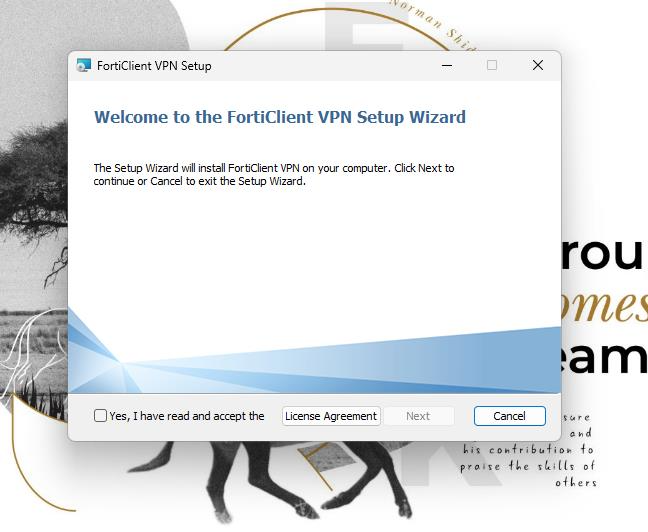
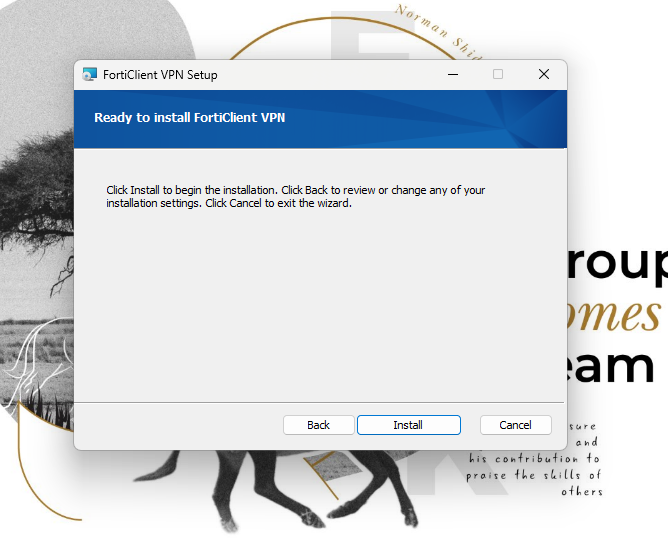
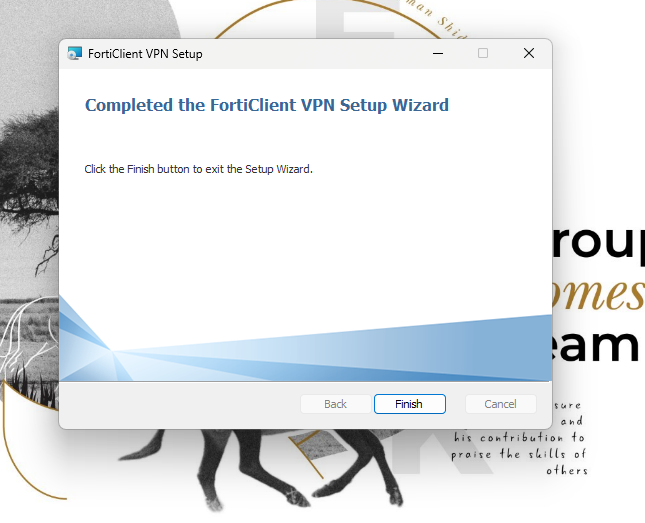
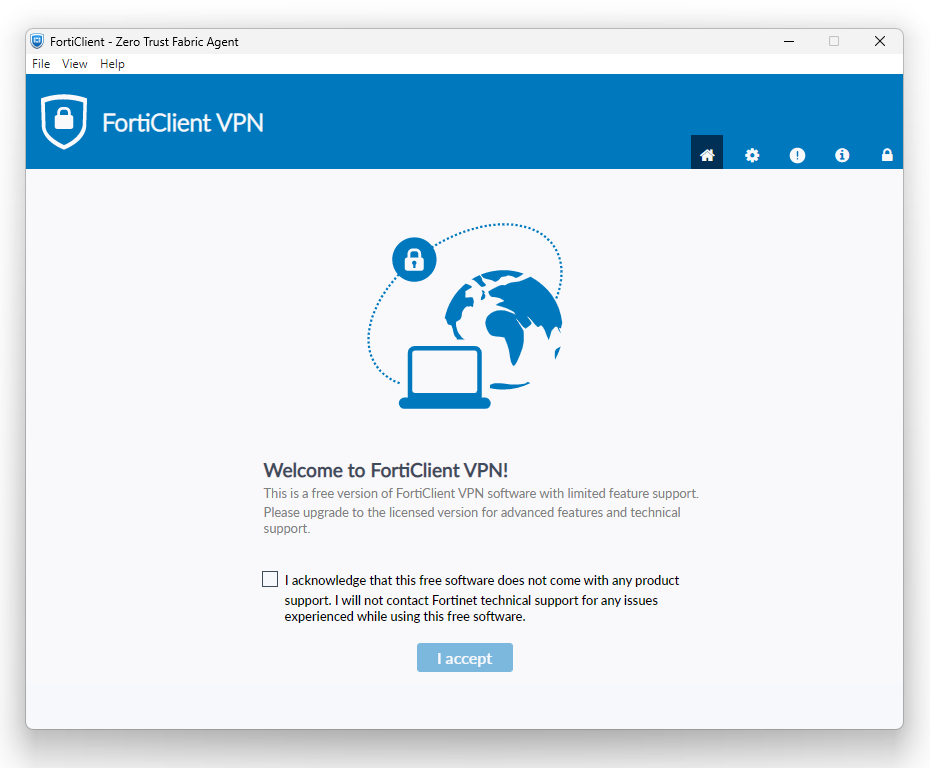
Accept Agreement
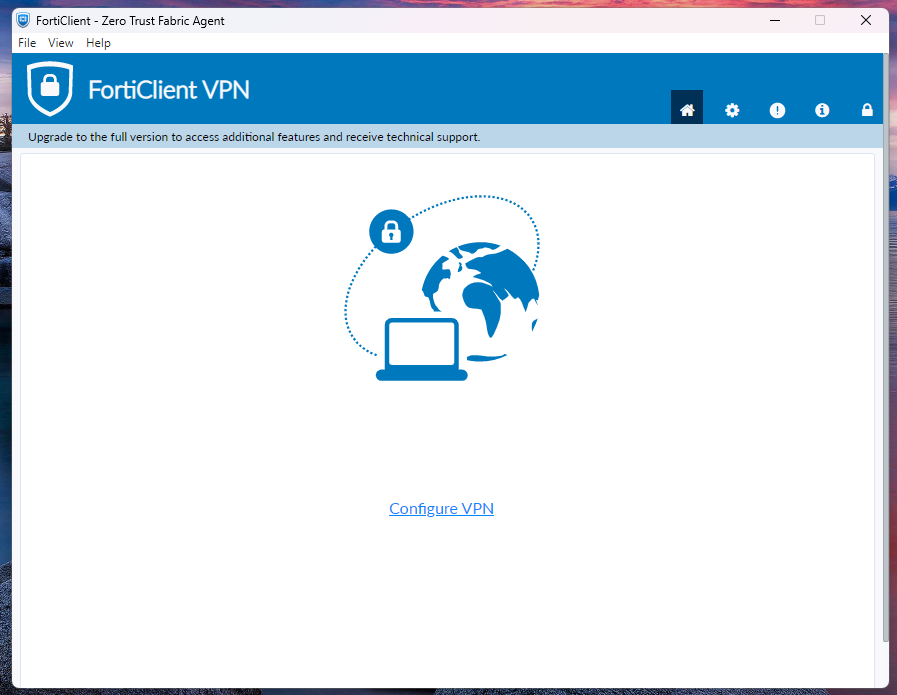
Configure the VPN according to the Config image above
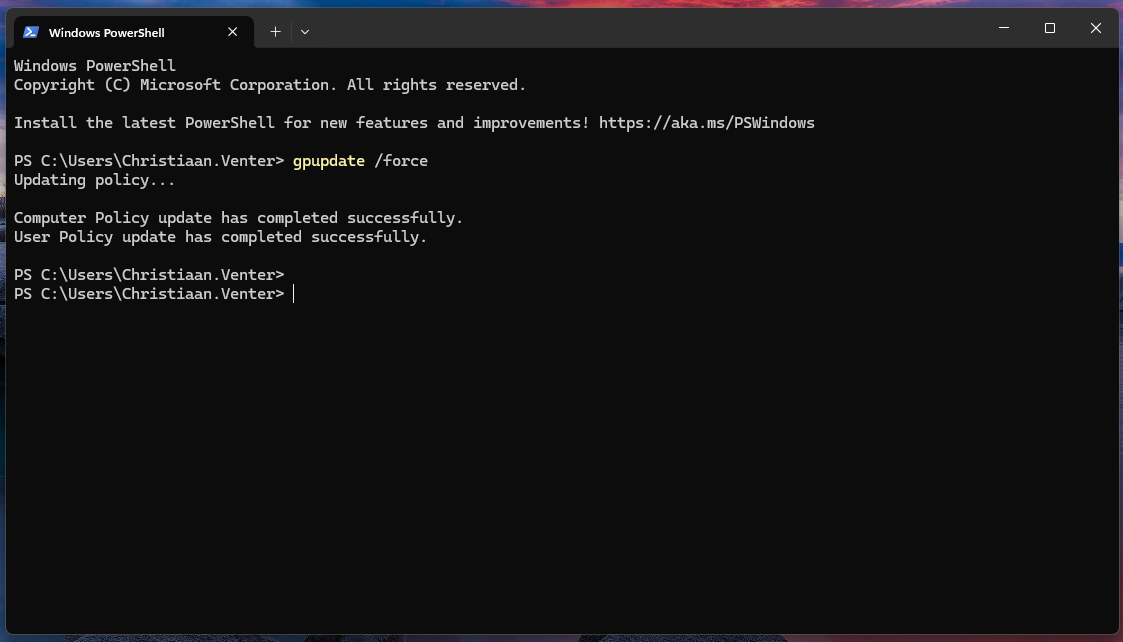
Once the VPN is enabled, run the following:
User side: force Group Policy update using CMD or PowerShell
(pre-VPN devices may need policy updates to allow remote desktop)
gpupdate /force
Installer download
Windows: EXE
MAC: DMG
Was this article helpful?
That’s Great!
Thank you for your feedback
Sorry! We couldn't be helpful
Thank you for your feedback
Feedback sent
We appreciate your effort and will try to fix the article