Remote Help is a new product installed on all machines across Sable International.
Remote Help uses your Microsoft 365 Licenses to allow support from the IT Helpdesk.
Licenses are assigned temporarily to support your account i.e. we limit access to who/when you can receive support. This is to cut down on malicious actors gaining access to your machines.
Support for Devices without Remote Help:
For Remote Help via web browser, Microsoft provides two specific URLs depending on the role in the session:
-
Helper (IT support staff) should use:
https://aka.ms/rhh
This redirects to the helper portal: https://remotehelp.microsoft.com/helper -
Sharer (end user needing help) should use:
https://aka.ms/rh
This redirects to the sharer portal: https://remotehelp.microsoft.com/sharer
Running Remote Help:
Search for the app, the icon looks like this
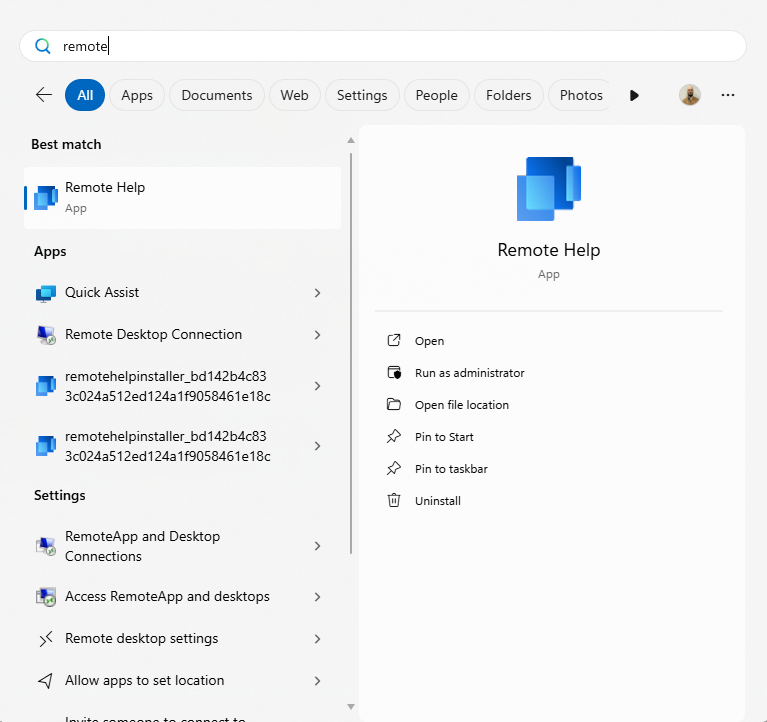
The first time setup will ask permissions to run the app, you just require to approve the request.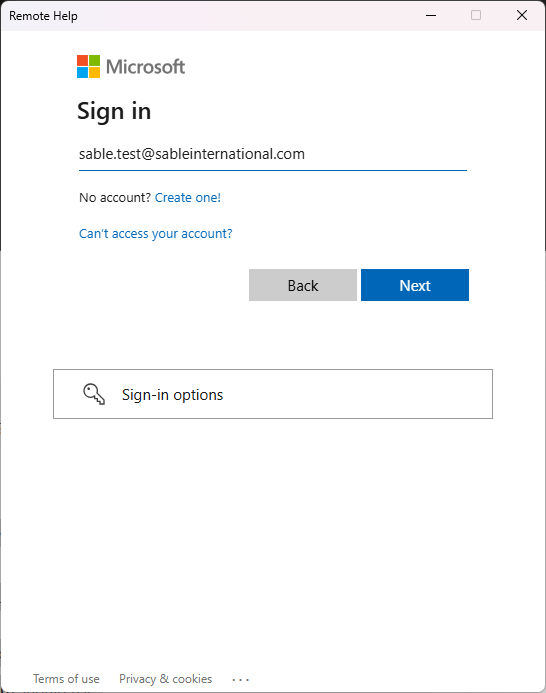
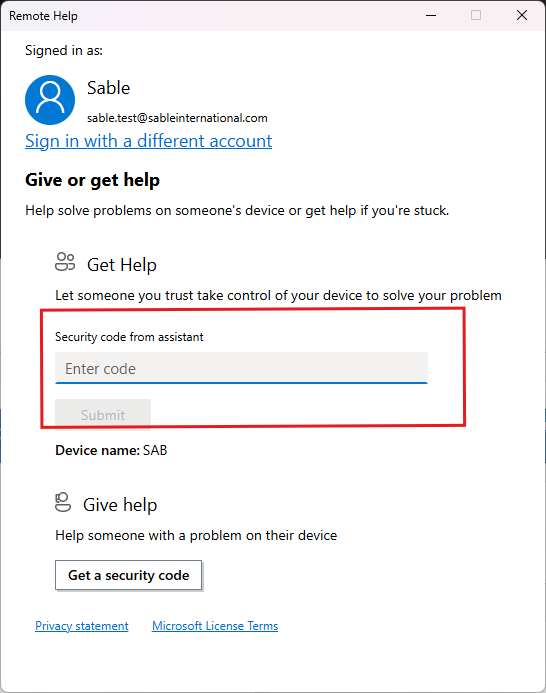
Once signed in you will get this:
Enter the 6-character code sent from IT support.
(Codes expire in 10 minutes)
**Make sure you are talking to the IT support from Sable International**
Was this article helpful?
That’s Great!
Thank you for your feedback
Sorry! We couldn't be helpful
Thank you for your feedback
Feedback sent
We appreciate your effort and will try to fix the article